

The problem
Head office could not see the whole business
Bookings, invoices, staff shifts and event checklists lived in different tools, and every new franchise added to the spread.
- No single view of bookings and payments across franchises
- Deposits and outstanding balances chased by hand
- Staff time and event checklists sat apart from the jobs they belonged to
- Each franchise needed its own view without losing head office oversight
What we built
A shared workspace for head office and every franchise
We designed one workspace run from head office and shared with each franchise, with the booking system as the source of truth.
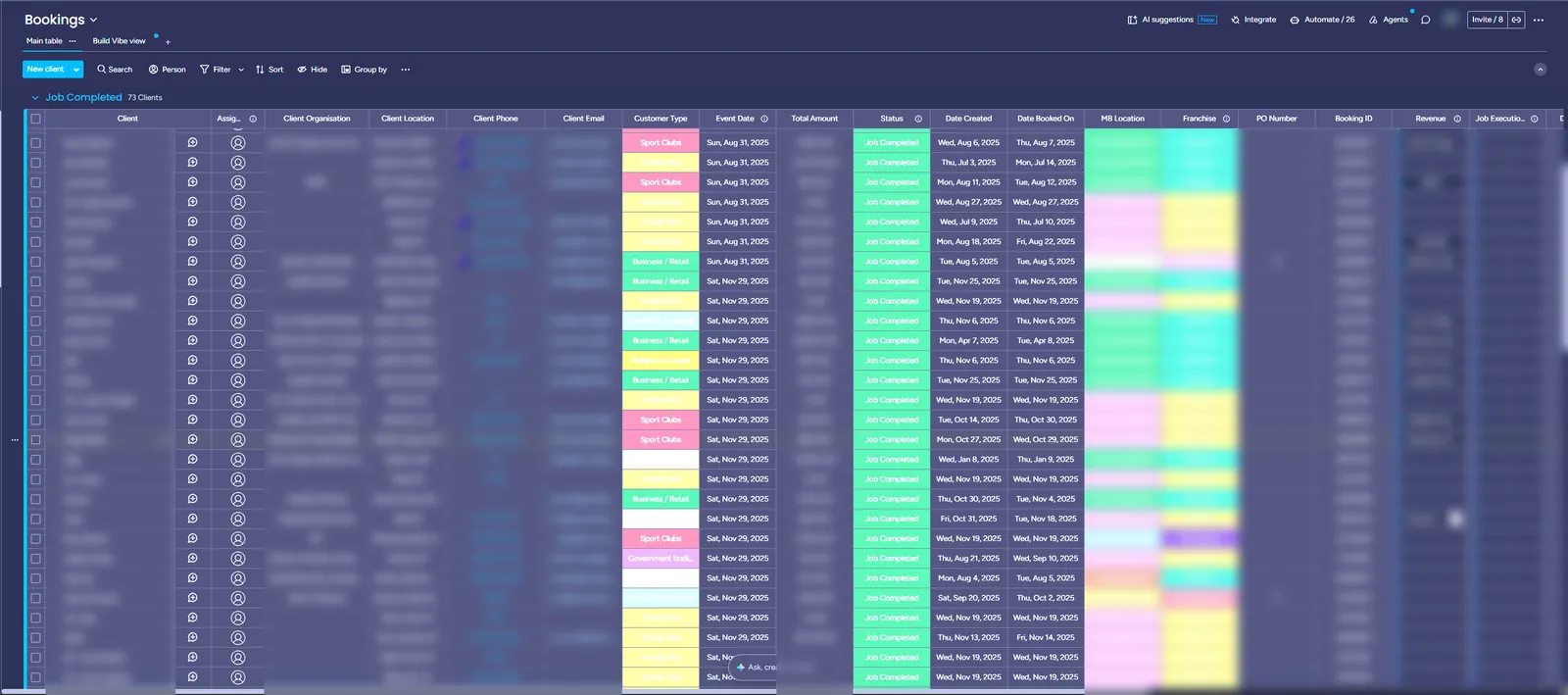
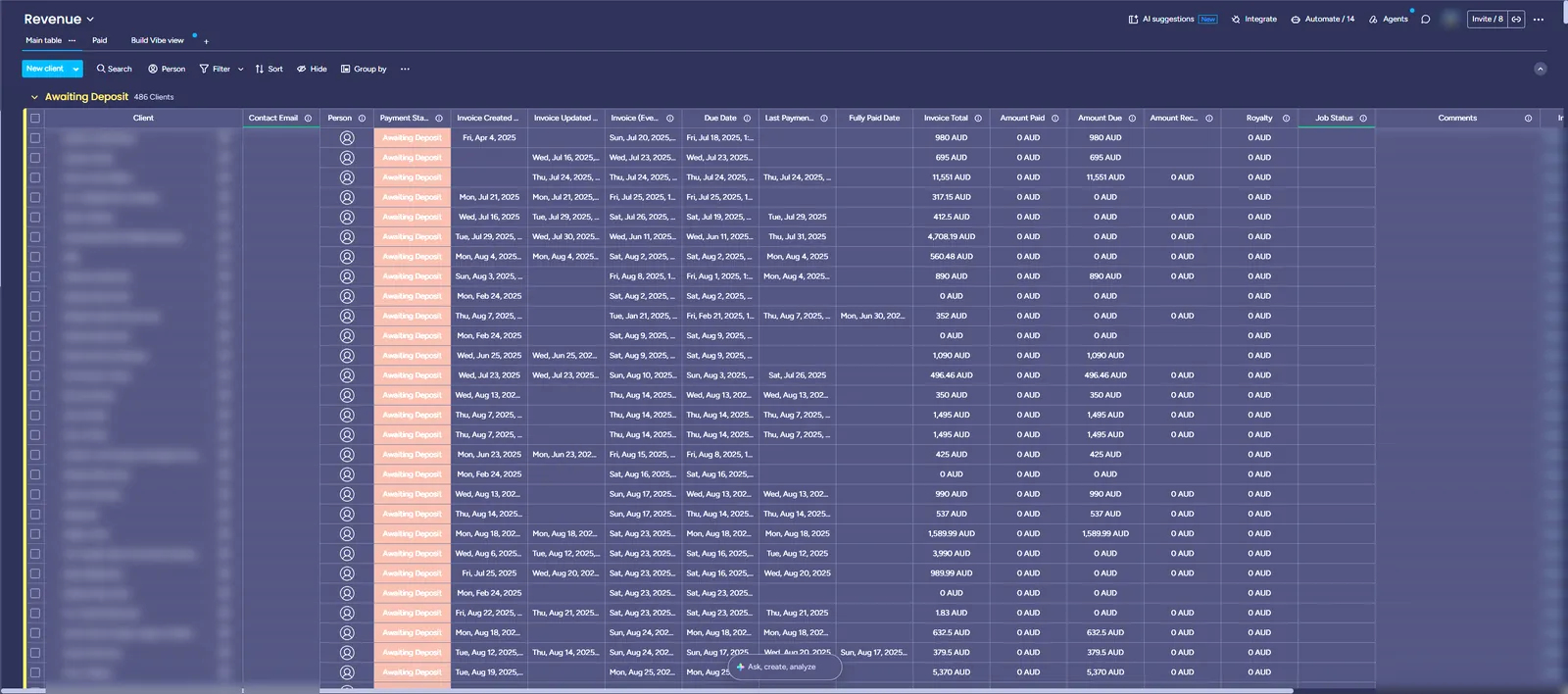
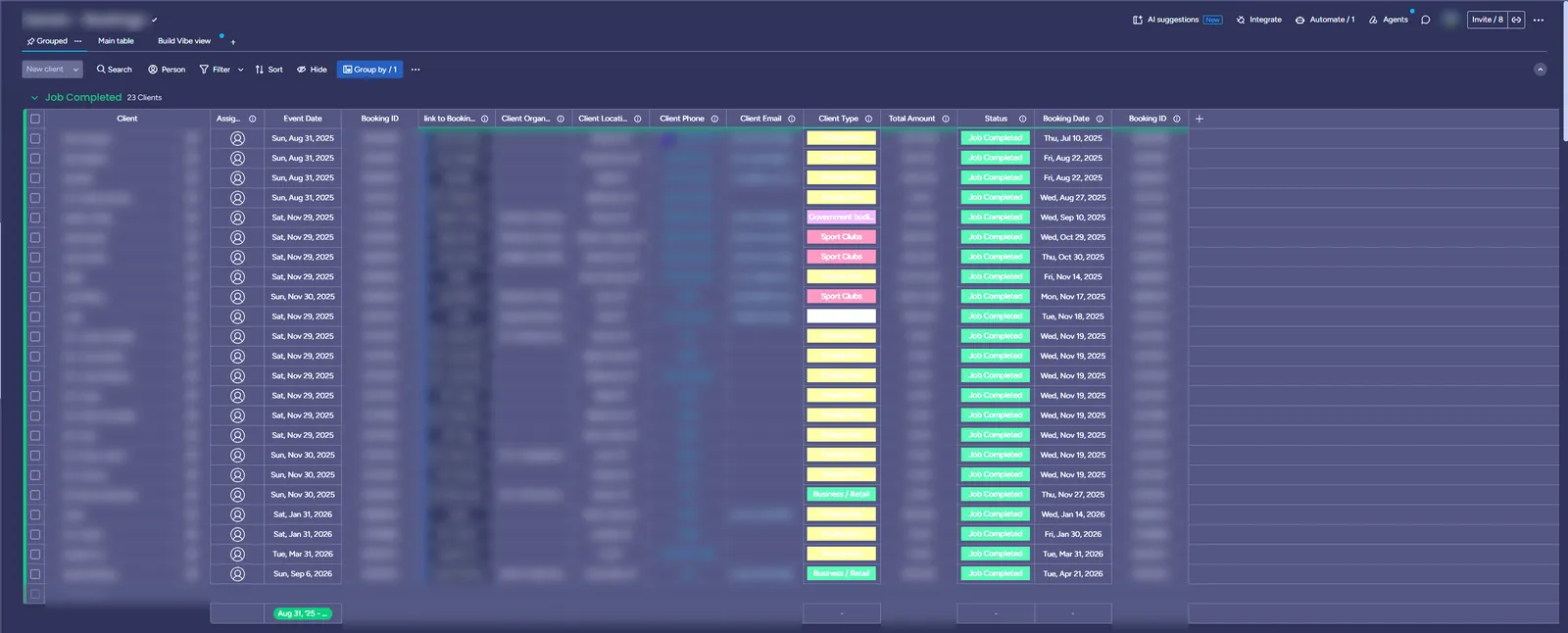
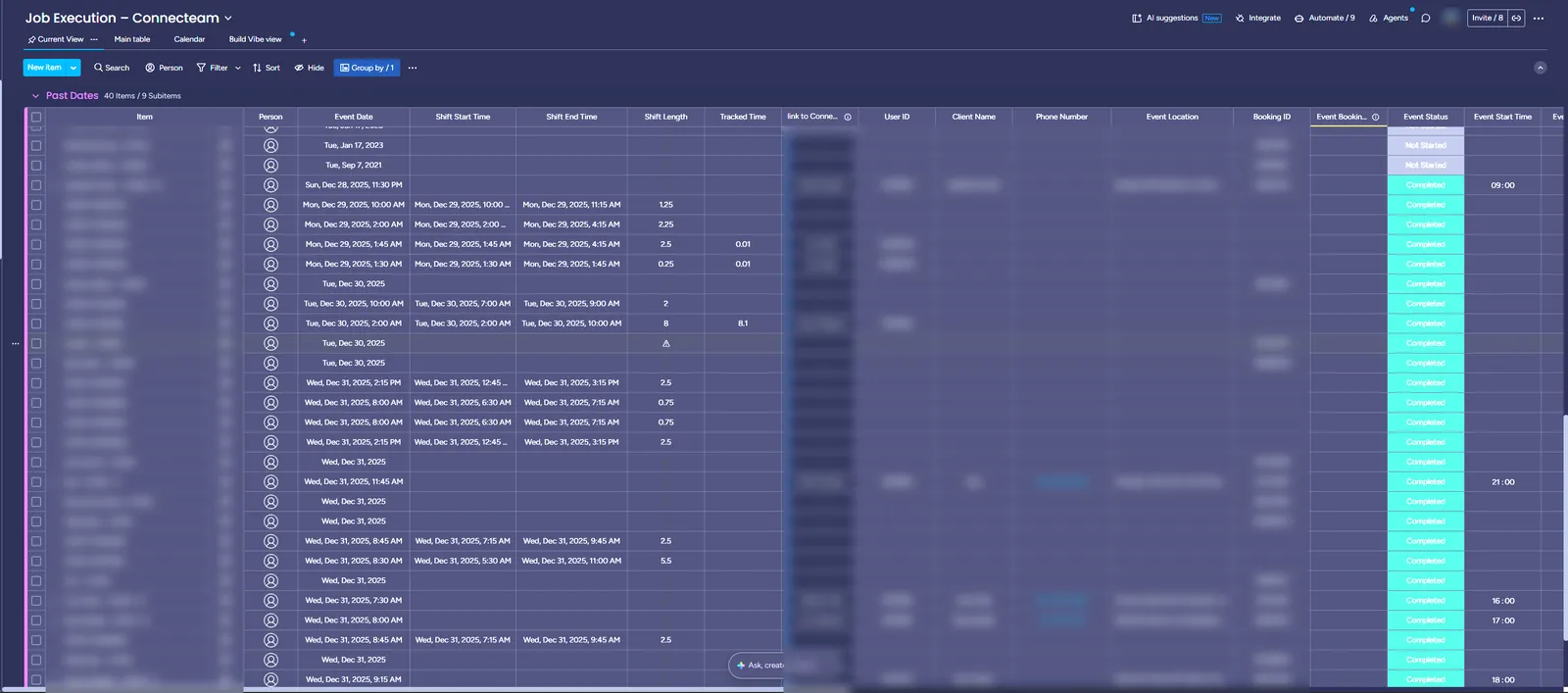
A bookings hub
One record per booking, from enquiry to job completed, with customer type, franchise, booking reference and a royalty calculation, run by 26 automations.
Franchise views
Each franchise has its own bookings, weekly tasks and vehicle checklists, linked back to head office.
Revenue tracking
Invoices are linked to bookings, payment status is set from the amounts, missing deposits are chased and overdue balances flagged automatically.
Field team data
Shifts, clock-ins and pre- and post-event checklists flow in from the scheduling app.
Leads and assets
A leads pipeline and an assets register covering inflatables, generators, vehicles and trailers.
Invoices into the accounts
Invoices passing through QuickBooks are created as draft invoices in Xero automatically.
Results
One place to run the network
- Head office sees bookings, revenue and field activity across franchises in one place
- Payment chasing and status updates run without manual tracking
- Each franchise works from its own view, linked back to head office
- The work continues: a quote reminder is live and the quote journey is being automated
“Elo was extremely friendly and helpful! Always going the extra mile to make sure all our needs were met and no request was too big or small!”
Counts are taken from the live workspace in November 2026.
Our role
System design, build and ongoing support
We designed and built the workspace, its automations and the connections to the booking system, scheduling app and accounts, and continue to extend it as the business grows.
Tools used
monday.com runs the workspace. Zapier connects the booking system, Connecteam and the accounts.